Try without signing up: every feature, no account needed
The trial means no email and no password: one click and you are in Type.dog, with every feature exactly as for registered users — typing sentences, saving words, reviewing, dialogues and kana games. The only difference: your trial progress lives only in this browser session and is gone when you close the browser.
- Click “Try it without signing up”: Sign-in page or top right
- Go straight to the home page: You get a temporary identity
- Use every feature: Save words, review, all of it
- Close the browser: Temporary records are cleared
- Like it? Sign up: Keep your progress for good
Where to click
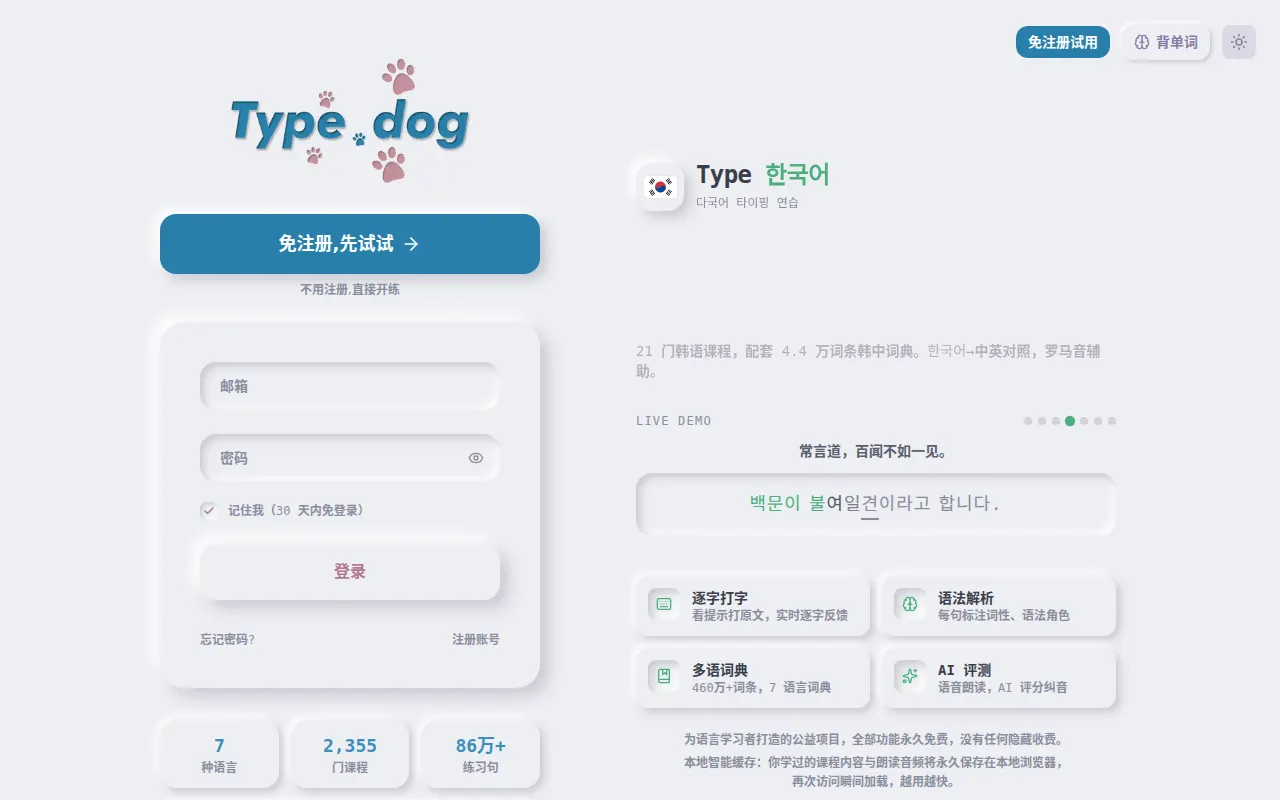
- Open type.dog: the big “Try it without signing up →” button sits right above the sign-in form.
- There is also a smaller “Try it” button at the top right of the sign-in page.
- At the bottom of the public word, dialogue and course pages there is a “Try it without signing up” button too; it takes you straight to that feature (for example, that dialogue or lesson 1 of that course).
What you can and cannot do during the trial
| Trial | After signing up | |
|---|---|---|
| Sentence typing, vocabulary, dialogues, kana | Everything works | Everything works |
| Saving words, reviews, progress | Yes, but cleared when you close the browser | Kept for good, on every device |
| Daily goal, streak | For this session | Builds up over time |
| Adding words to the shared word lists | No | Yes |
| Public kana leaderboard | Only you can see yourself | Everyone can see you |
Signing up or logging in during the trial
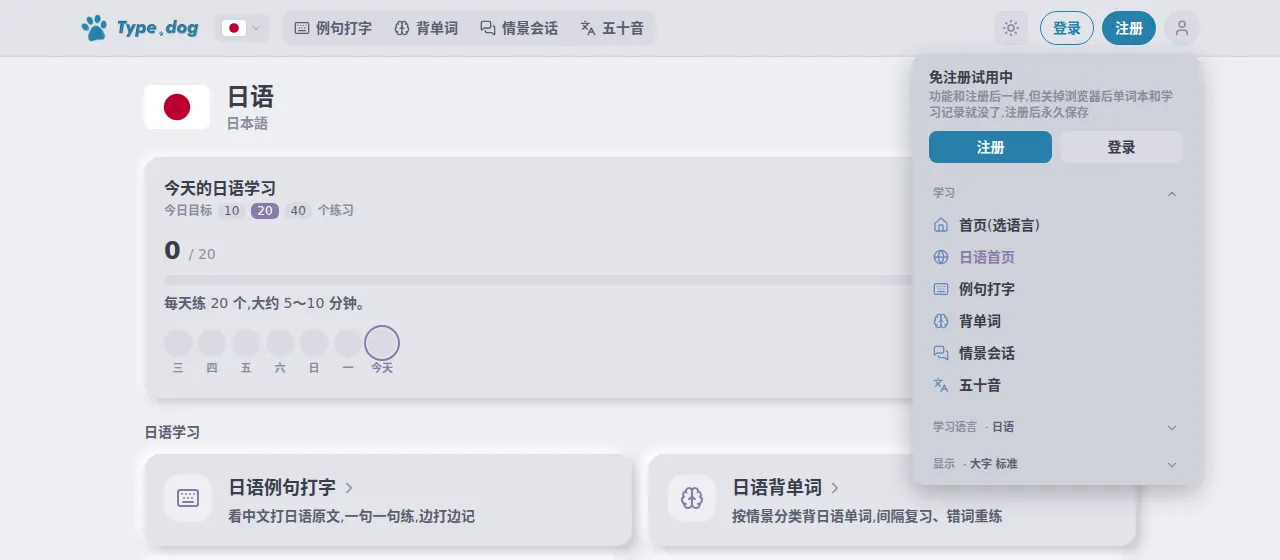
During the trial the top right of every page always shows “Log in” and “Sign up”, and the avatar menu says “Trial in progress” with sign-up and log-in buttons.
If you already have an account, click “Log in” to go back to it.
FAQ
Does the trial collect my personal information?
No. The trial needs no email or phone number; the browser only stores a random ID so that different trial visitors are kept apart.
Will what I learned during the trial still be there after I sign up?
The trial identity and your account are separate, so a new account starts fresh. If you want to keep everything, sign up early.
Is there a time limit on the trial?
No. As long as the browser stays open, use it for as long as you like.